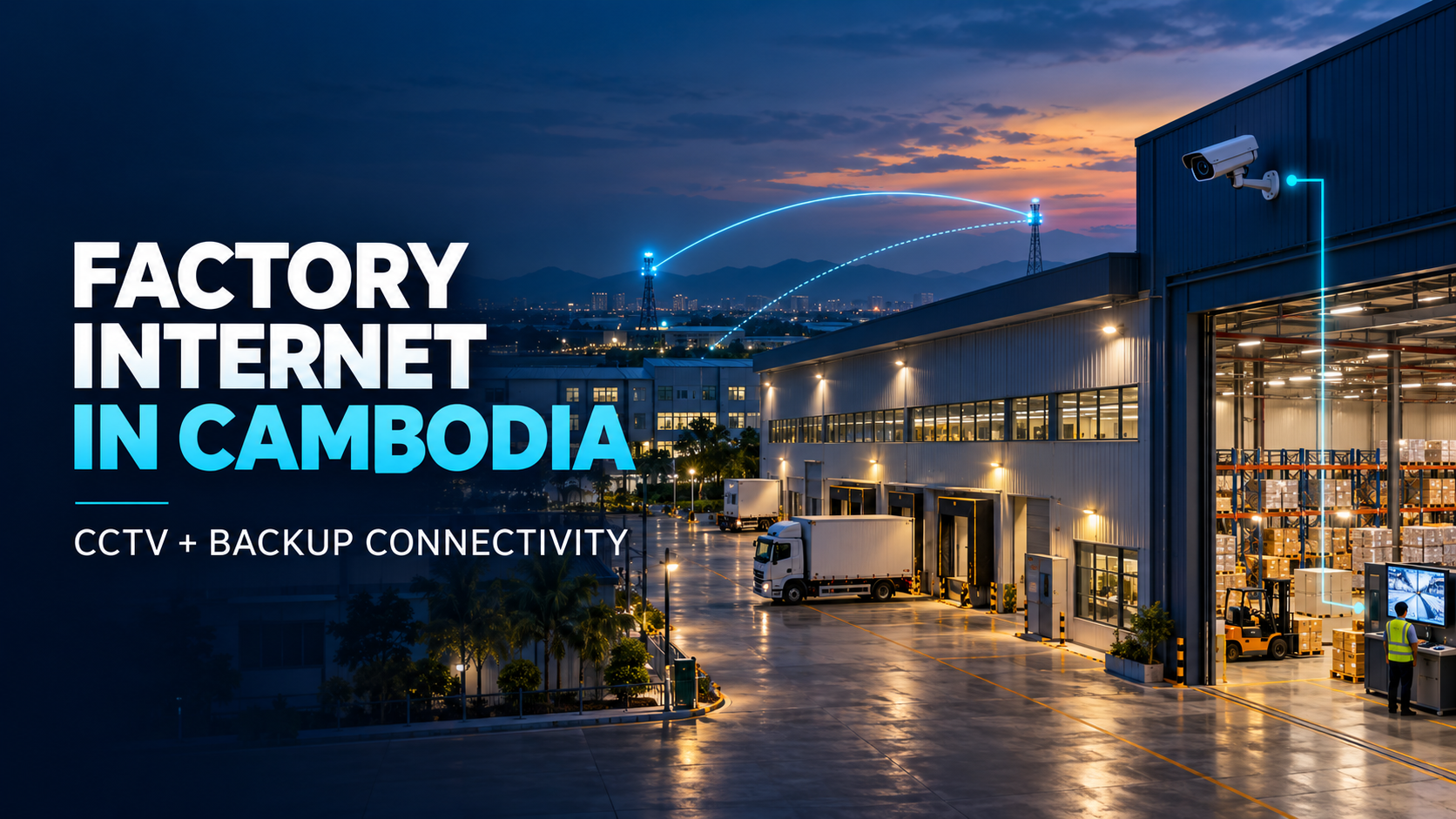
How Should a Factory in Cambodia Plan Internet, CCTV and Backup Connectivity?
A delivery truck arrives at the factory gate. Warehouse staff open the inventory system, the office checks an order in ERP, and a manager views the gate cameras from another location.
Then the main internet connection goes down.
The important question is not simply how many Mbps the factory purchased. It is which of those activities still work, which stop, and how quickly essential work can resume.
For a factory in Cambodia, a useful connectivity plan covers three things together: the internet connection, the way CCTV uses the network, and a backup designed around the work that must continue.
Which factory systems actually need the internet?
Walk through a normal working day before choosing a connection. Your factory may use cloud ERP, supplier portals, warehouse applications, email, video meetings, VoIP calls or remote access to another office.
List each important system and ask:
- Does it need the internet, or does it run on the factory’s local network?
- How many people use it at the same time?
- What happens if it becomes unavailable for an hour?
- Can it continue on a backup connection with less bandwidth?
This exercise often reveals that two systems described as “critical” have very different needs. A locally operated system may continue working during an internet outage, while an online inventory platform may stop immediately. Confirm the answer with the teams and vendors responsible for each system.
Do factory CCTV cameras use internet bandwidth?
Sometimes. It depends on where the video goes.
If cameras send footage to a recorder inside the factory, that video primarily uses the local network. It does not necessarily consume internet upload bandwidth for every camera, all day.
Internet upload matters when someone watches cameras from outside the factory, footage is sent to cloud storage, or video travels to a remote monitoring centre. The requirement also changes with video quality, frame rate, compression and the number of streams being sent remotely.
For example, a factory with many cameras recording locally may need less internet upload for CCTV than a smaller site continuously sending every camera stream to the cloud. Camera count alone cannot tell you which factory needs the larger connection.
Before selecting a package, ask the CCTV installer where recordings are stored, who watches remotely, how many feeds they watch at once, and whether cloud upload runs continuously or only at certain times.
How much internet speed does a factory need?
There is no dependable answer based only on employee count or the number of cameras. The useful number comes from simultaneous activity during a busy period.
Imagine the warehouse updating a cloud inventory system while the office sends production reports and a manager remotely watches several CCTV feeds. The connection must handle those activities together. Upload capacity deserves particular attention if the factory sends large files, cloud backups or video off-site.
Ask your IT and CCTV teams to measure current use where possible and obtain the application vendors’ requirements. Allow room for normal peaks and planned growth. The MaxBIT bandwidth calculator can provide an initial estimate, but it cannot measure your factory network or determine CCTV requirements from camera count alone.
Will CCTV still record if the internet goes down?
A system that records locally may keep recording without internet access, as long as the cameras, recorder and necessary local network equipment remain connected and powered. Remote viewing, cloud recording and alerts may behave differently.
That makes power part of the discussion. A second internet connection will not help a recorder that has shut down during a power cut.
Ask your CCTV provider to test the actual setup: disconnect the internet under controlled conditions and check local recording, local viewing, remote viewing and alerts separately. You will then know what the security team can rely on during an outage.
What should a factory backup internet connection protect?
A backup internet connection does not always need to carry every activity at full capacity. First decide what must stay online.
For one factory, that might mean ERP, warehouse transactions and communication with head office. Another may also need remote CCTV monitoring or supplier access. Large downloads, general guest Wi-Fi and nonurgent uploads might wait until the main connection returns.
This priority list helps determine the backup bandwidth and how network equipment should direct traffic during an outage. It also makes the investment easier to explain: the backup supports specific work, rather than serving as a second line with no clear job.
How do you make the backup useful in practice?
Buying two connections is only the beginning. Review whether they share a cable route, building entry point, network equipment or power supply. Where feasible, reduce shared points of failure.
Then test how the factory switches to backup internet. Does someone have to do it manually? Which applications reconnect? Can staff still access the warehouse system? Does remote CCTV viewing work? An active call or session may briefly disconnect during switching, so the test should reflect real factory activity.
Coordinate this work with the factory’s IT team, CCTV installer and any vendors responsible for production systems. CCTV, office devices and operational equipment may need separate network access and different security rules. Changes to production systems should be reviewed with the people who operate them.
What should you prepare for a factory internet site survey?
A productive site survey begins with a few practical details:
1. Location: The full factory address, buildings and any separate warehouse areas.
2. Current setup: Existing internet lines, network equipment and known problems.
3. Critical systems: ERP, inventory, communication and remote access requirements.
4. CCTV design: Camera count, recording location, remote viewers and cloud use.
5. Busy periods: When users, uploads and remote viewing overlap.
6. Outage priorities: What must continue on backup internet.
7. Expansion plans: Additional cameras, buildings, staff or connected systems.
At MaxBIT, a free technical site survey helps us review the factory location and these requirements before recommending a service. Depending on the site, the discussion may include factory business internet, Dedicated Internet Access, backup connectivity and network support. Availability and service terms are confirmed through technical review and quotation.
A factory internet plan is successful when the people running the site know what depends on the connection—and what will happen when it fails.
If you are opening or expanding a factory in Cambodia, or reviewing an existing connection, contact MaxBIT. Share your site location, key systems and CCTV setup so our team can help assess the next step.